PDF to Word that is actually editable
Docraft rebuilds your document in Word — real paragraphs, real tables, real headings, real headers and footers. Not a screenshot of a page in a .docx wrapper.
- From $49/month
- One credit per page
- Documents deleted on your schedule
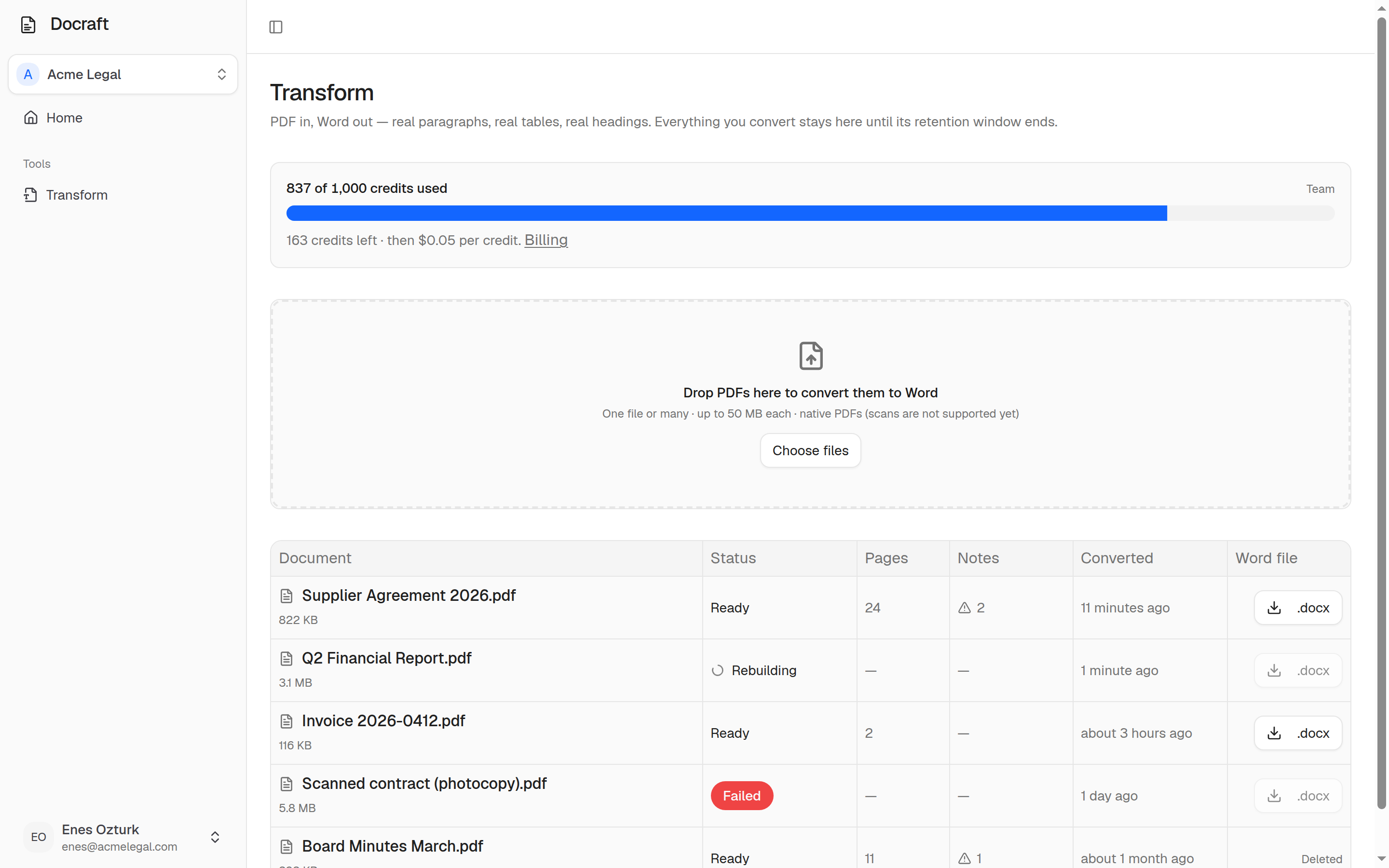
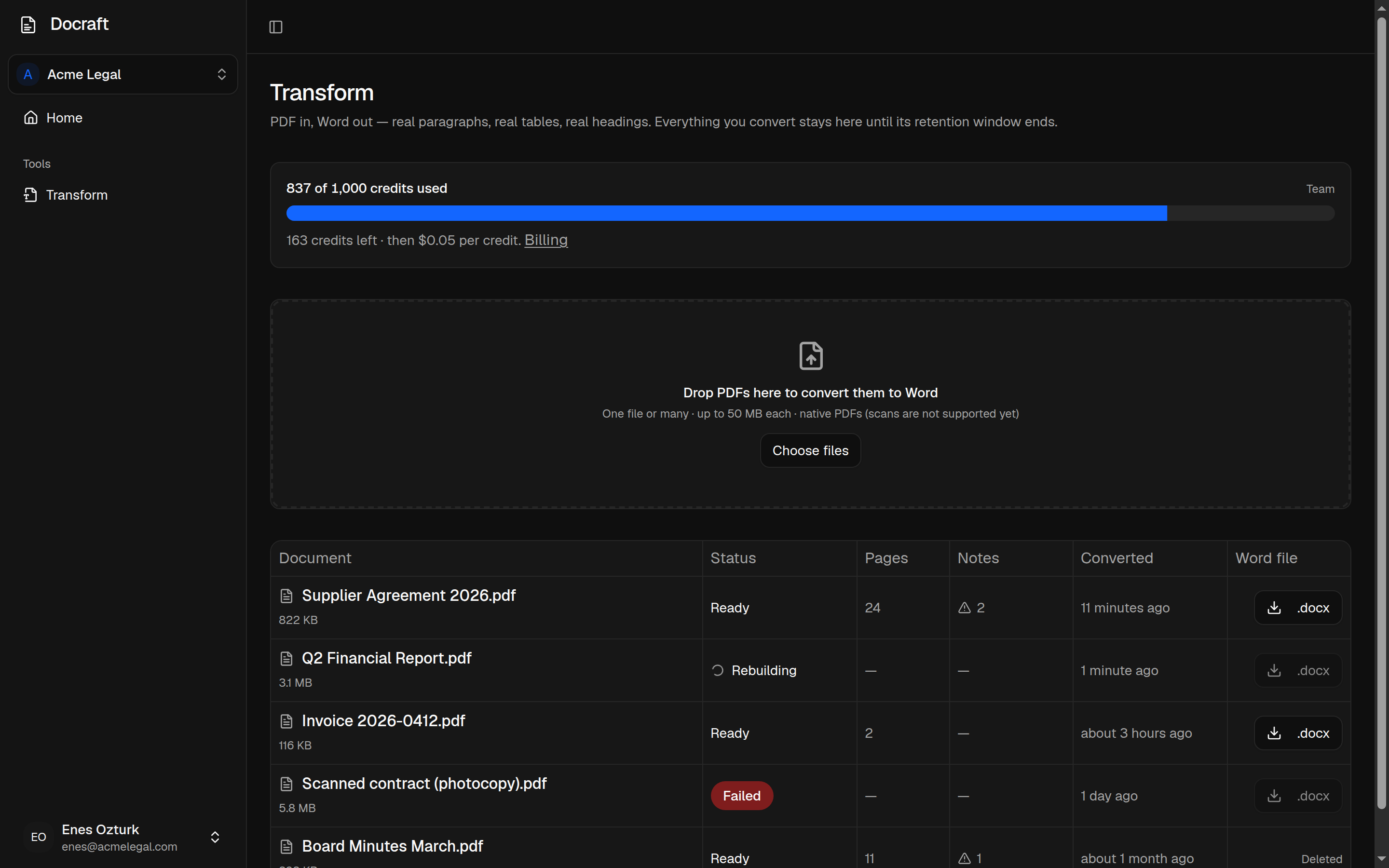
Three steps, no settings to learn.
There is nothing to configure. Drop the file in and read the result.
- 01
Drop the PDF in
One file or a hundred. The upload goes straight to encrypted storage — it never sits on a server we log.
- 02
Docraft rebuilds it
Words, lines and paragraphs are reconstructed from the page geometry, then rebuilt as Word elements: headings, tables, lists, headers and footers, page setup.
- 03
Open it in Word and edit
You get a .docx you can actually work in — plus a plain list of anything the engine could not reconstruct faithfully.
What survives the conversion
Most converters extract text and let Word guess the rest. Docraft reconstructs the document — then tells you what it could not.
Type and styling
Font family, size, weight, italics, underline and colour — resolved to fonts Word actually has, so line breaking holds.
Structure
Headings, paragraphs, alignment, spacing, indentation, lists and numbering, as real Word elements.
Tables
A table in the PDF becomes a table in Word, with its own rows, cells and borders. Editable, not tab-separated text.
Page layout
Margins, page size and orientation, headers and footers, rules and page breaks.
Images
Extracted at native resolution and placed inline, so the text around them still flows.
Honest about limits
Anything the engine could not reconstruct faithfully is listed on the conversion. No silent damage.
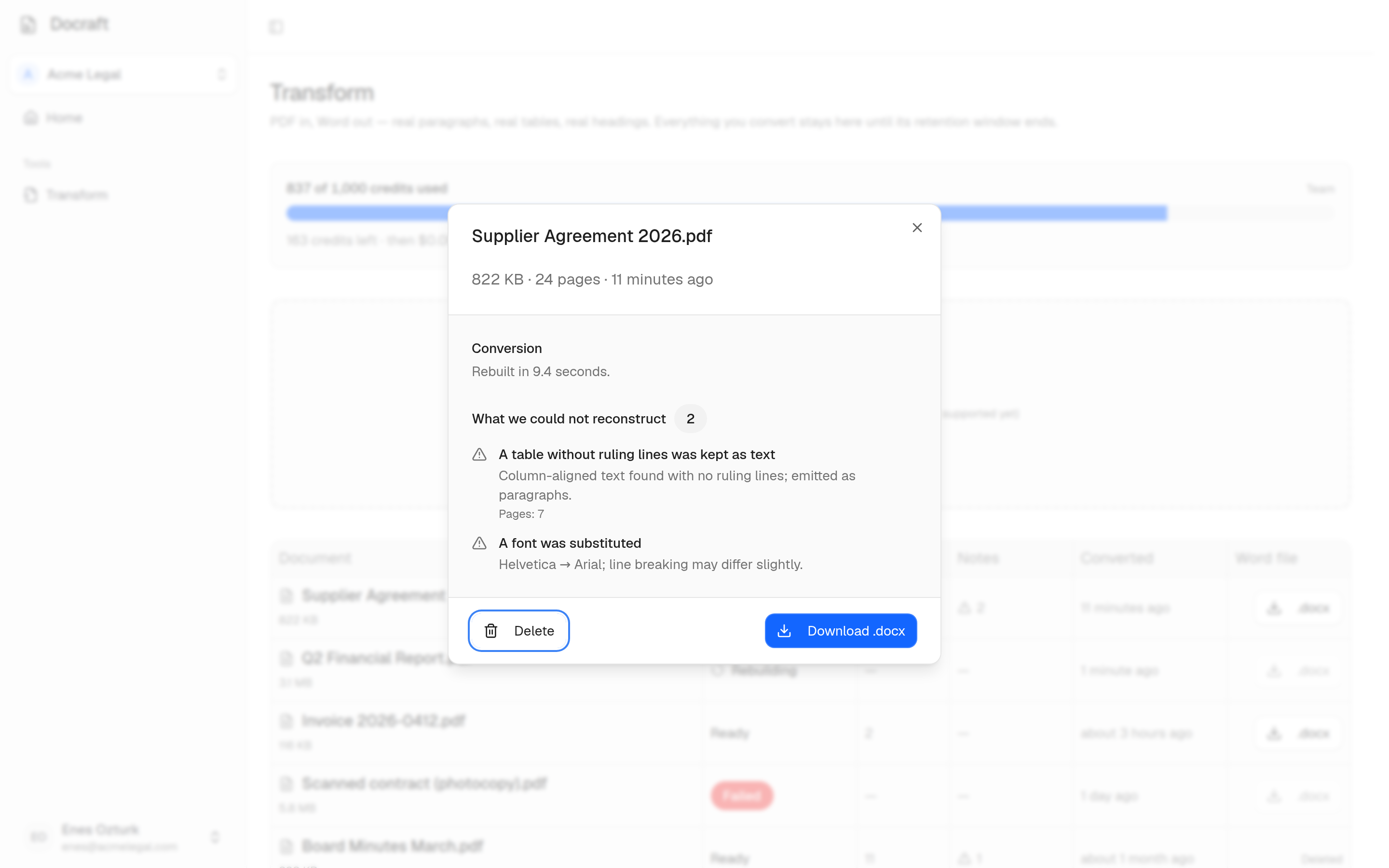
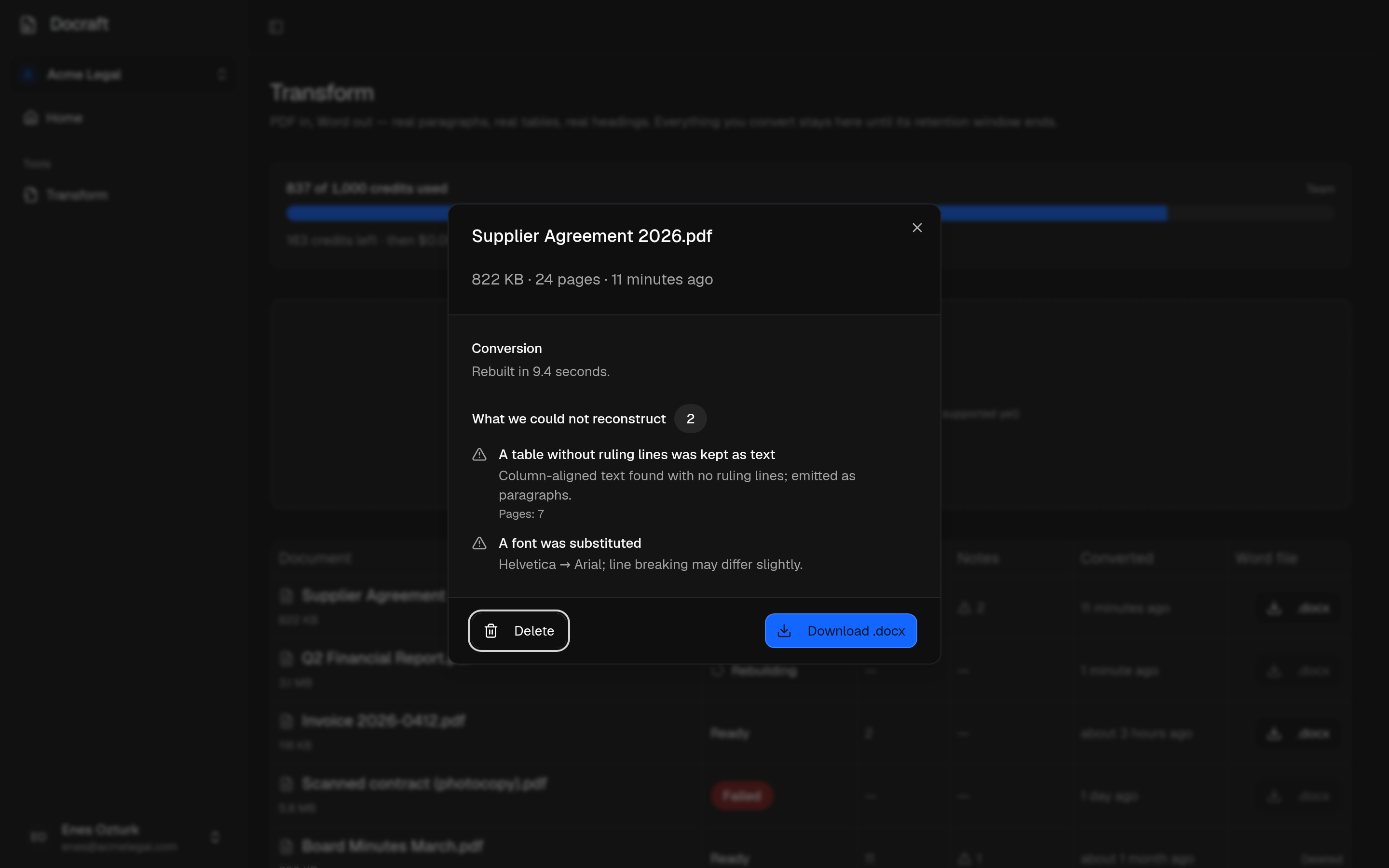
You see what we could not rebuild
Every conversion carries its own report: a borderless table kept as text, a font we had to substitute, an image that would not decode — with the page it happened on.
A converter that quietly drops a table looks identical to a perfect one until someone opens the file in front of a client. This is the difference.
Built for a team, not a one-off tool
Conversions belong to the company, not to whoever happened to run them.
A workspace per company
Invite the whole team — seats are not what we charge for. Everyone sees the same history; nobody emails a converted file around.
History that stays useful
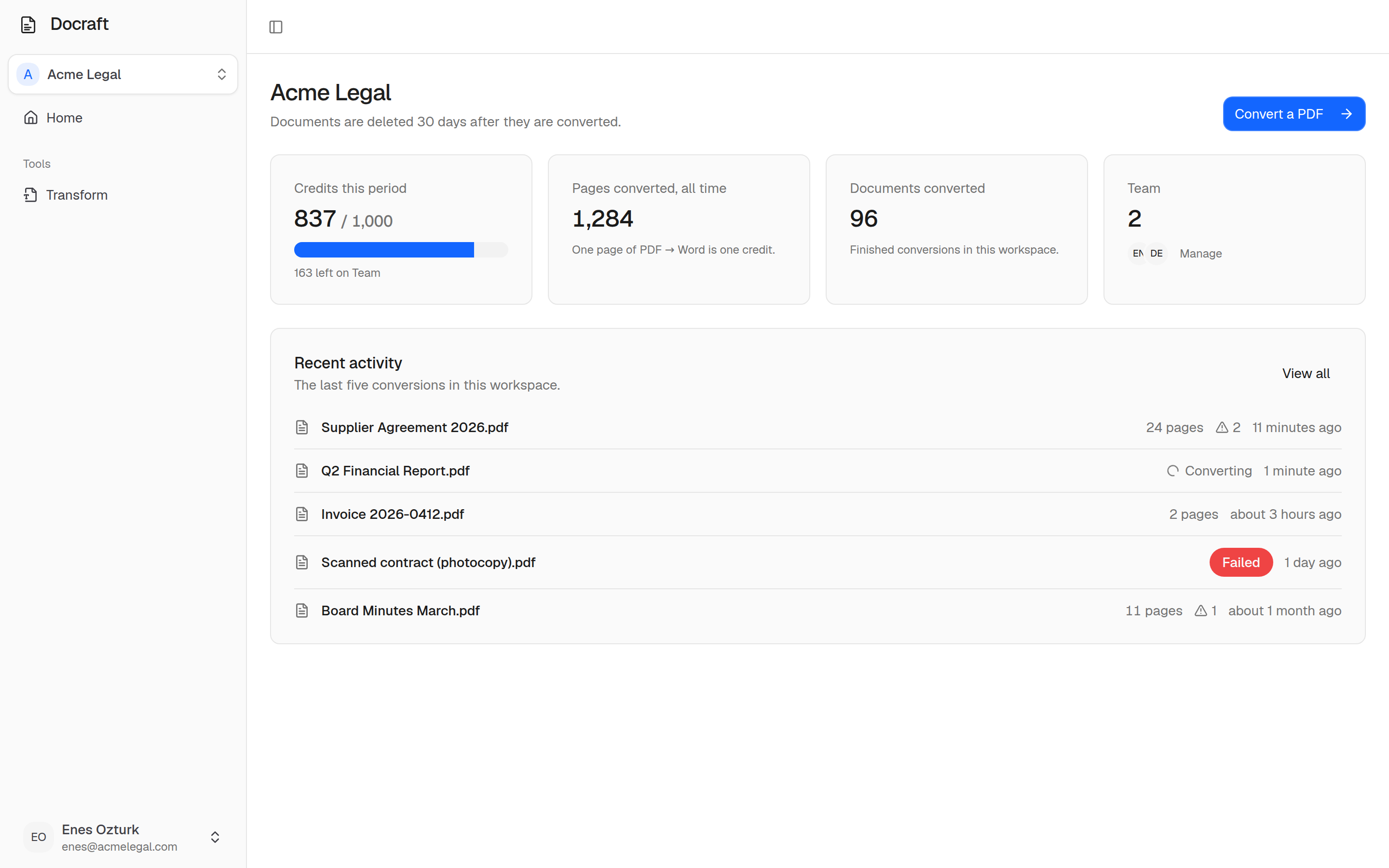
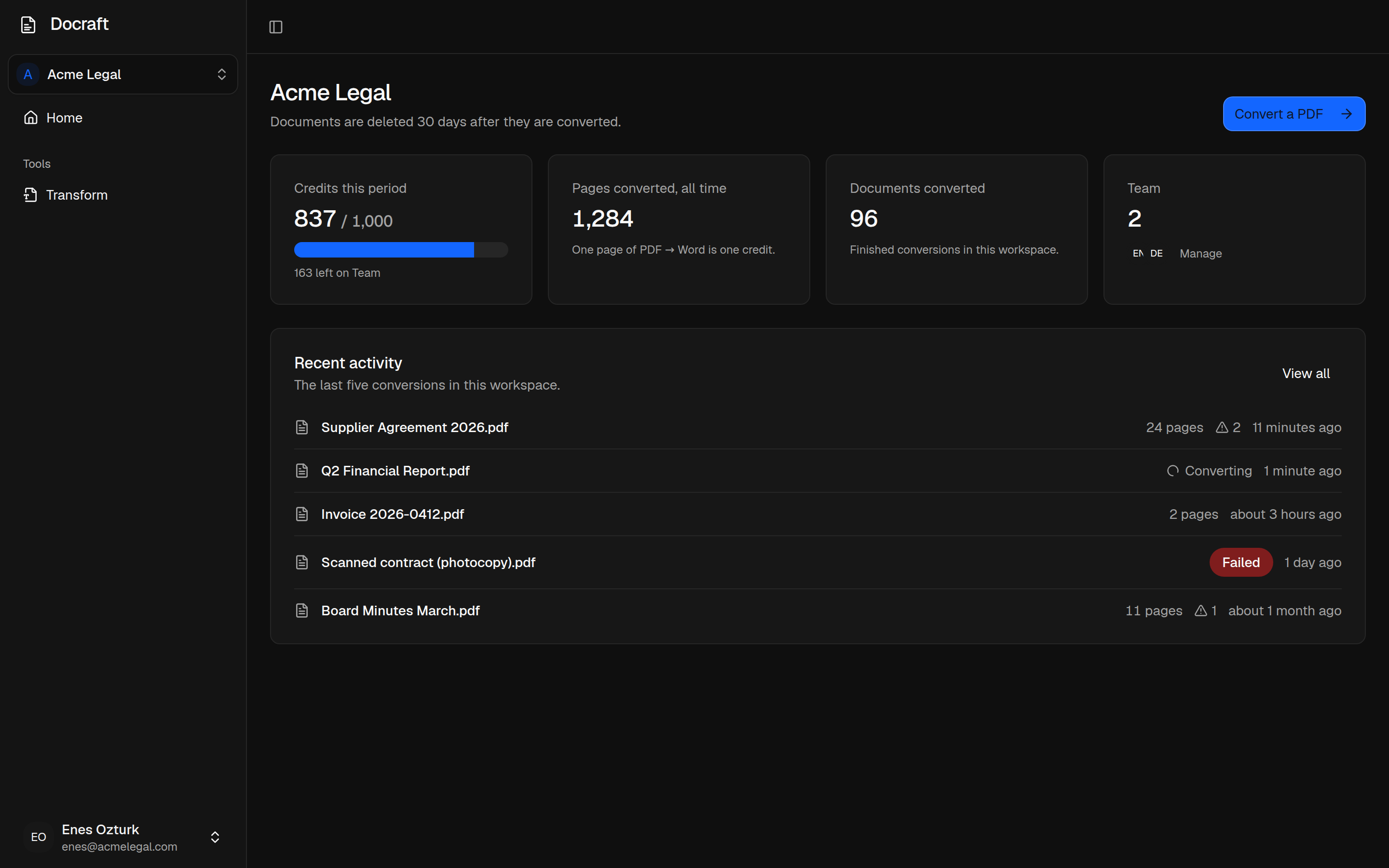
Every conversion, who ran it, how many pages, and what the engine flagged. Credits used this period, at a glance.
Deleted on your schedule
Set a retention window and both the PDF and the Word file are permanently deleted when it ends. Not archived — deleted.
Pay for what you convert
Every plan includes a monthly credit allowance. One page of PDF → Word is one credit. Go past it and the extra is billed automatically at your plan's rate — there is nothing to buy separately.
Starter
For occasional reconstruction work — a few documents a week.
- Included credits
- 120
- Additional credits
- $0.40 each
- 120 credits included every month
- PDF → Word
- Unlimited teammates
- Conversion history
- 30-day retention
Team
For a team that converts documents as part of the working week.
- Included credits
- 600
- Additional credits
- $0.33 each
- 600 credits included every month
- Everything in Starter
- Batch upload
- Configurable retention
- Conversion warnings and history
Business
For steady volume, where a predictable flat bill matters.
- Included credits
- 2,500
- Additional credits
- $0.25 each
- 2,500 credits included every month
- Everything in Team
- Priority conversion queue
- 90-day retention
- Priority support
Enterprise
CustomVolume, retention and security terms negotiated for your organisation.
- Custom usage
- Custom retention
- SLA
- Advanced security
- Dedicated support
Credits reset each billing period and do not roll over. Converting a page by hand costs most teams around a dollar; this is what it costs here.
Questions worth asking
Convert one document and judge for yourself
Take the contract or report you would normally retype by hand. Open the result in Word. That is the whole evaluation.
Start converting